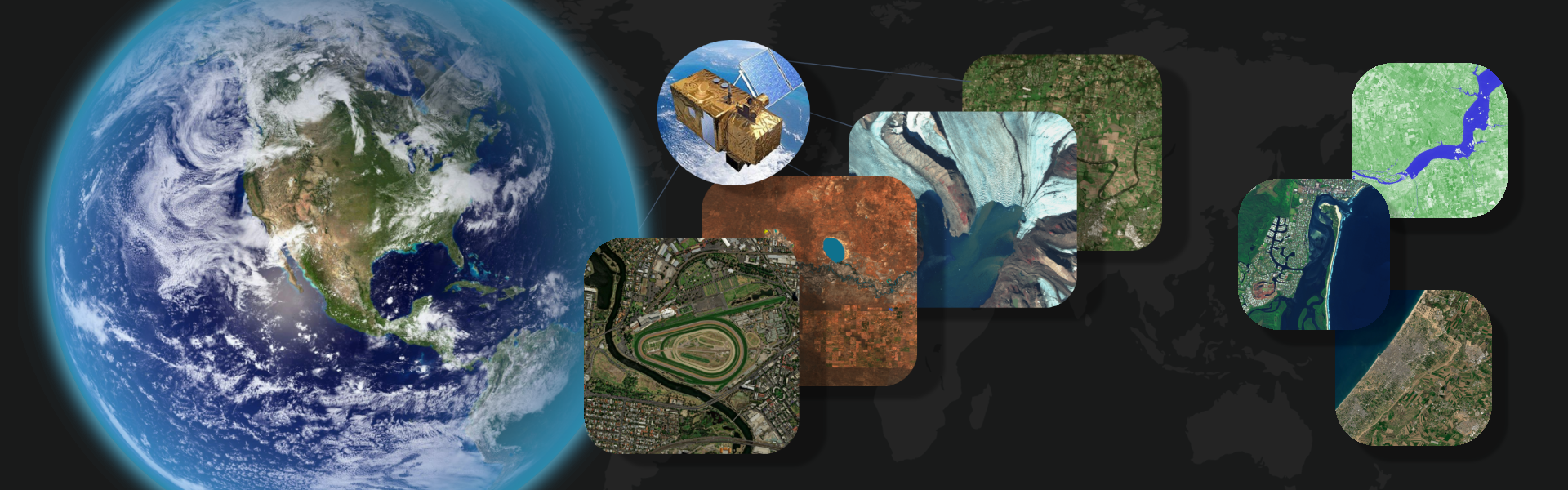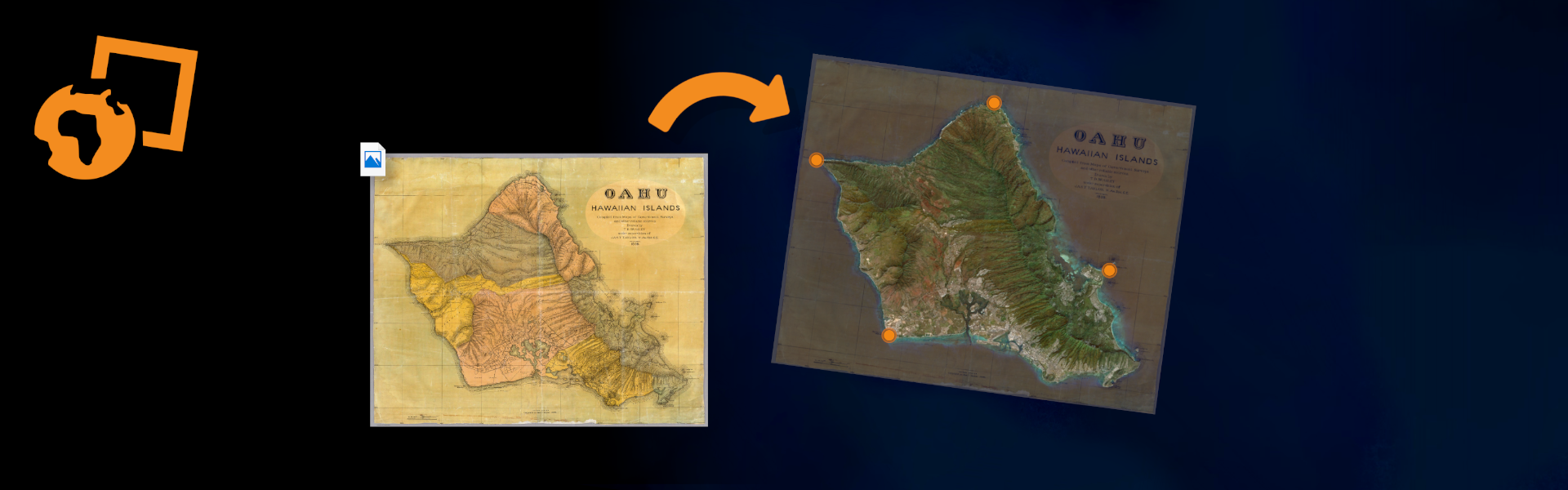

Georeferencing might sound complicated, but the idea is simple: it’s the process of telling a map where it actually sits on Earth.
When a map is georeferenced, you can place it on top of modern imagery and see exactly where everything lines up. This is great for things like comparing how places have changed over time, understanding old maps in their real locations, or just exploring maps in a more accurate way.
For most people, georeferencing has always been pretty tedious. It usually requires special software and technical steps.

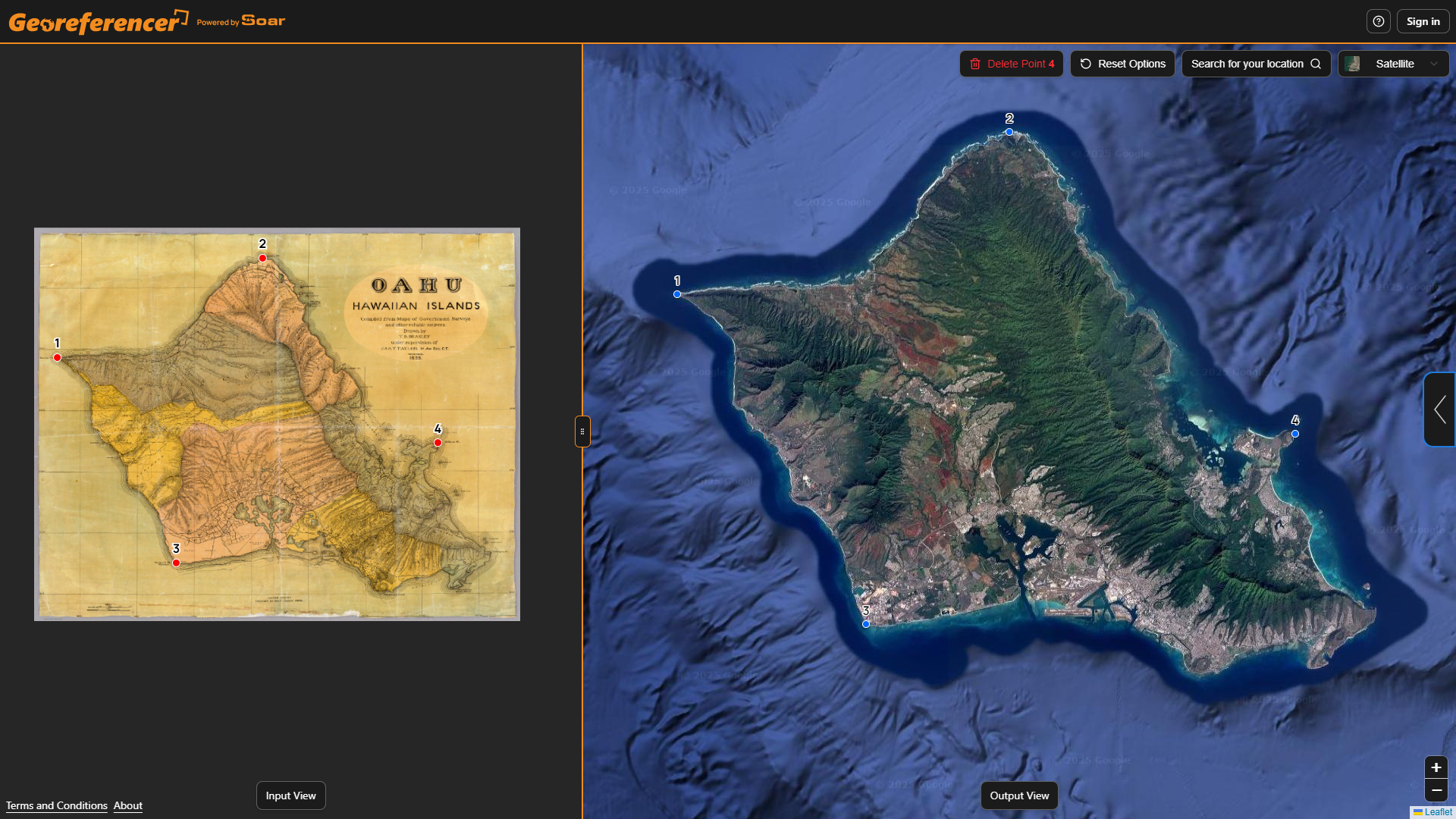
We’ve been building a new tool that removes all that complexity and makes georeferencing accessible right in your browser. Georeferencer.ai lets anyone give a map real-world context in just a few clicks. Upload your map, place and match four or more points, and the tool automatically generates an accurate georeferenced overlay you can download instantly.
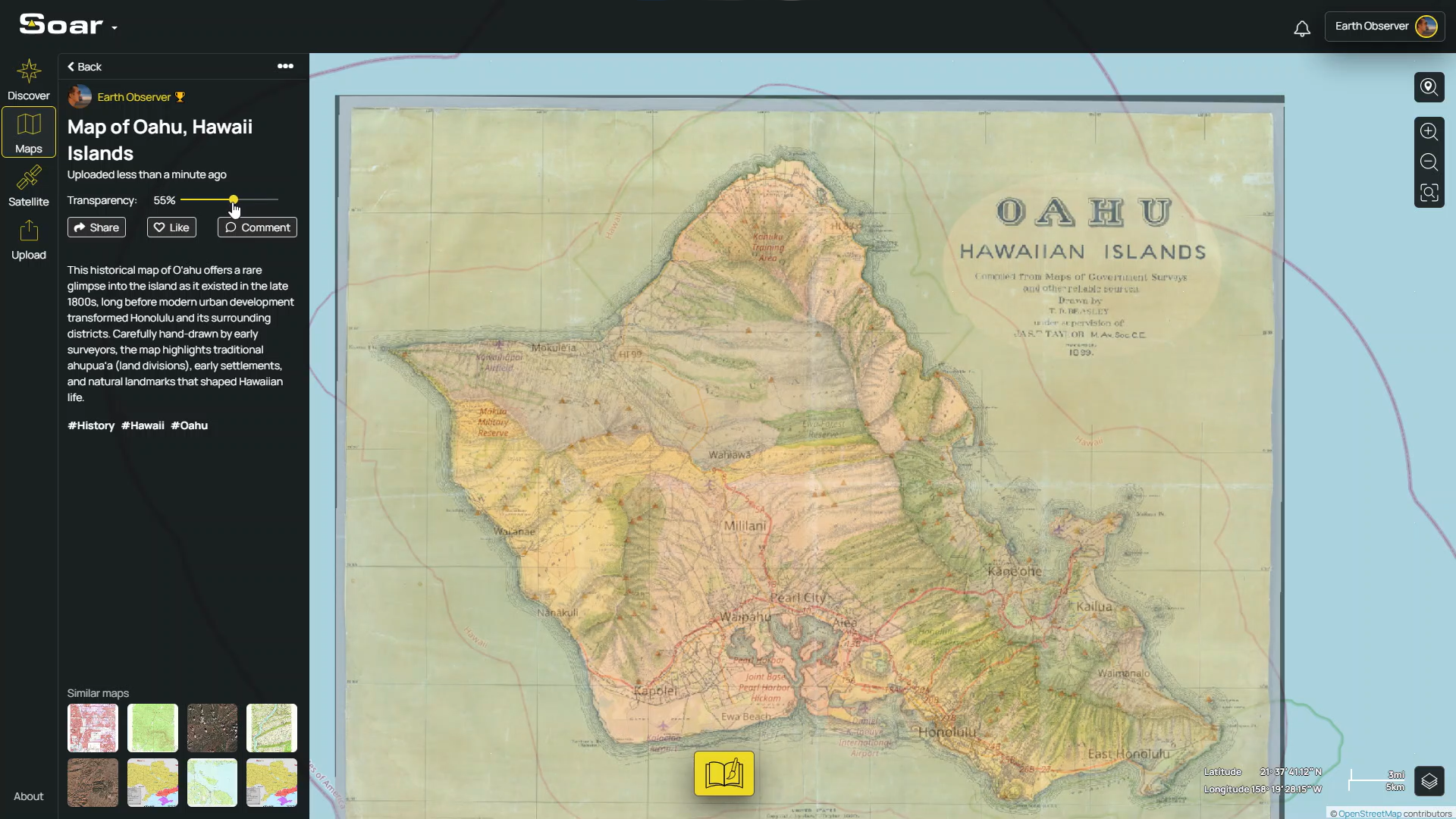
Once your map is aligned, you can use it in any software, project, or workflow. And if you want an easy way to store or share it online, you can always upload it to Soar. This gives you free, unlimited map storage and a simple link you can share with friends. It also makes your map discoverable to a global community of map nerds from all over the world. Best of all, your Soar Atlas account works seamlessly on Georeferencer.ai (and vice versa), so you can switch between platforms without any fuss.
Georeferencing is such an important step in bringing maps to life. Right now, millions of maps online are just simple flat images with no sense of where they belong. Once they’re georeferenced, they become far more useful, meaningful, and fun to explore.
For years, this process has been too technical and time-consuming for most people. That’s exactly what we set out to change. By making georeferencing simple, fast, and accessible right in your browser, we hope more communities, organisations, and everyday people can finally give their images real spatial context, without needing any special software or expertise.
We’re excited to see what you create, restore, and discover. Try it out and let us know how we can keep making it even better.
Georeferencer.ai is live now, so give it a try! You can also watch our quick tutorial video to see how it works.
Map Credit: David Rumsey Map Collection, David Rumsey Map Center, Stanford Libraries
Disclaimer: This blog (and its screenshots) reflect Soar version 6.4. The interface and functions may differ in newer versions.